
Casino Apps in the Philippines
We visited the official websites of PAGCOR-licensed casinos in the Philippines and collected their available casino apps and APK download links. Explore casino apps for Android and iOS, compare their games and bonuses, and find the right app for you.
Affiliate Disclosure
- Download AppGet App
iOS · Android
- Download AppGet App
- Download AppGet App
iOS · Android
- Download AppGet App
- Download AppGet App
iOS · Android
- Download AppGet App
- Download AppGet App
Android
- Download AppGet App
Android · PWA
- Download AppGet App
Last Updated Date:
How to Choose and Use a Casino App
AskSpinner collects APP information and download links from casino operators’ official websites and brings them together so you can quickly find and download the apps. The apps featured here are provided by the casinos or their developers. AskSpinner does not develop these apps.
After choosing a platform from the list above, compare how its mobile version handles game search, rules, transaction records and support. If the mobile website already meets your needs, you can continue using it.
Casino Apps Mobile Websites and Home Screen Access
A casino platform app usually brings the account, game lobby, transaction records and support together. A single-game or social app may offer only demo play or virtual coins. The game’s full name, provider and version help identify the product you are looking for.
Common options include store apps, Android APKs from the official website, home screen access and a mobile browser. A basic home screen shortcut opens a saved URL. Installable web apps, including PWAs, can open in their own window and offer supported notifications. Apple’s iPhone guide includes both Add to Home Screen and Open as Web App options.
Choosing a Mobile Access Method
Access method | What changes in everyday use | When it may suit you | Ongoing requirements |
|---|---|---|---|
App store installation | Open from an app icon; the store lists compatibility requirements and update history | Your device and region support the version, and the app has the features you want | Installation and update space, permissions and notification settings |
Official Android APK | Download and install a package, then open it from an app icon; the platform supplies updates | The platform offers an Android package compatible with your phone | Installation and cache storage, plus platform updates |
Home screen web access | Open a website with one tap, through a shortcut or a web app window | You want a fixed entry point without a separate platform installation package | Website and browser compatibility, cache and notification settings |
Mobile website | Use the lobby, rules and help pages in your browser | You visit occasionally, have limited storage or are still comparing platforms | Browser cache, sign-in sessions and website compatibility |
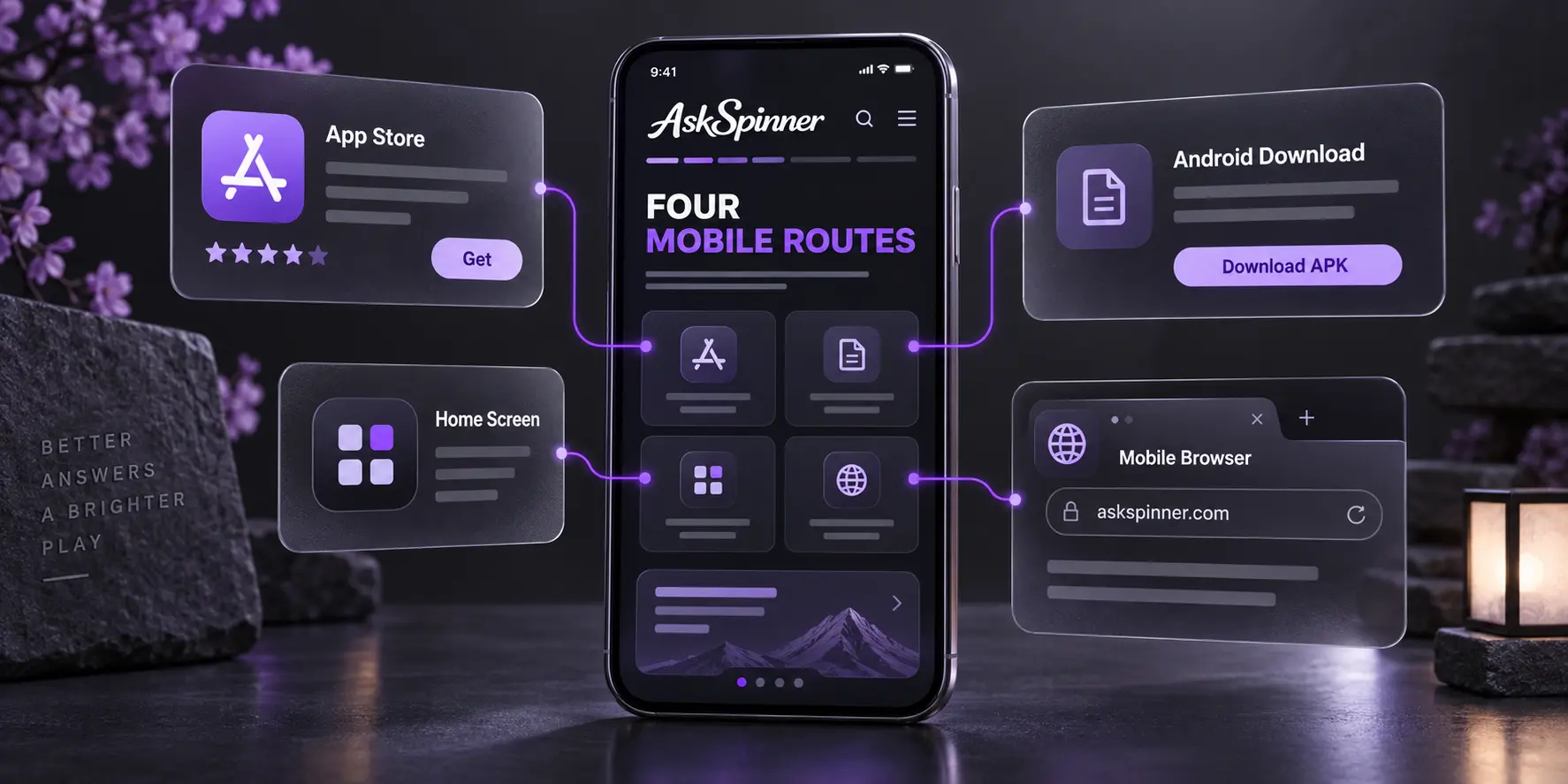
One platform can offer several routes. Casino Plus’s official guide describes an Android download and adding its website to the iPhone home screen, while Casino Plus PH also has a Philippine App Store listing. Each route has its own installation method and compatibility requirements.
For occasional use or limited storage, a website saves installation steps. Frequent visitors can weigh the app’s search, navigation and account access against the space needed for installation and updates. Real-money games require a connection to the platform’s services.
How to Choose a Casino App from the List
Your phone’s operating system and region determine availability. Your preferred games and everyday features shape the experience. Desktop and mobile lobbies may differ, so a game’s full name, provider and version are useful search details in the mobile lobby.
Compare the experience of signing in, finding a game, reading its rules, returning to the lobby, checking records and getting help.
Comparing Everyday Features
Task | What to compare | Why it matters |
|---|---|---|
Sign in and return to familiar pages | Entry and verification steps, returning to the lobby and finding frequently used features | Clear navigation reduces repeated steps during regular use |
Find and read a game | Search, categories, provider and version; rule text, buttons, orientation and keyboard overlap | Affects game discovery and usability on a small screen |
View a transaction | Amount, time, reference number and status; record updates after returning from payment | Makes progress and payment enquiries easier to follow |
Recover after a lost connection | Previous round results, account records and prompts for unfinished actions | Helps you understand the current status after switching networks |
Get help and manage use | Support, help pages, notifications, limits and account-exit information | Affects how easily you can resolve a problem or change how you use the service |
AskSpinner’s mobile checks use the same phone and network conditions to compare game search, the cashier, live video and controls, status updates after payment, and support access. Speed and stability records also include the test date, operating system and app version, with first loads distinguished from later cached visits.
These criteria suit different needs: compare app and website storage on a phone with little free space, minimum system requirements on an older device, and connection recovery if you frequently switch between Wi-Fi and mobile data.
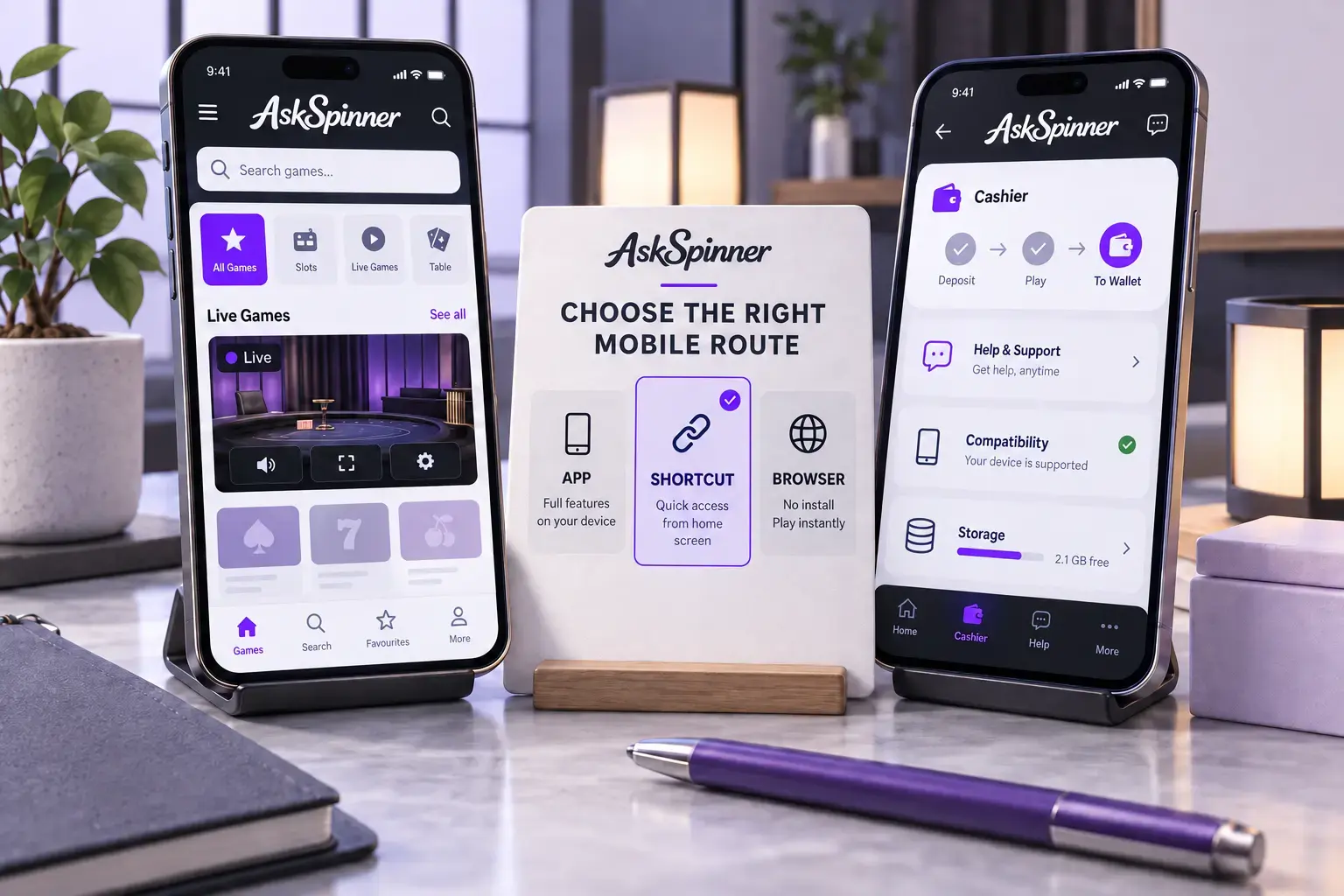
Illustration: mobile access and features to compare.
Official Casino App Download Routes
Casino websites provide the relevant download routes. App stores list the application name, developer and version.
The developer may appear under its full company name. In the Philippine App Store, BingoPlus lists AB Leisure Exponent, Inc.; Casino Plus PH lists Stotsenberg Leisure Park and Hotel Corporation; and PT Gaming lists PLAYMATE LEISURE SOLUTIONS CORP. PT Gaming’s description connects the app with PlayTime Entertainment Group. Operator and registered-domain information is also available through the PAGCOR License Checker.
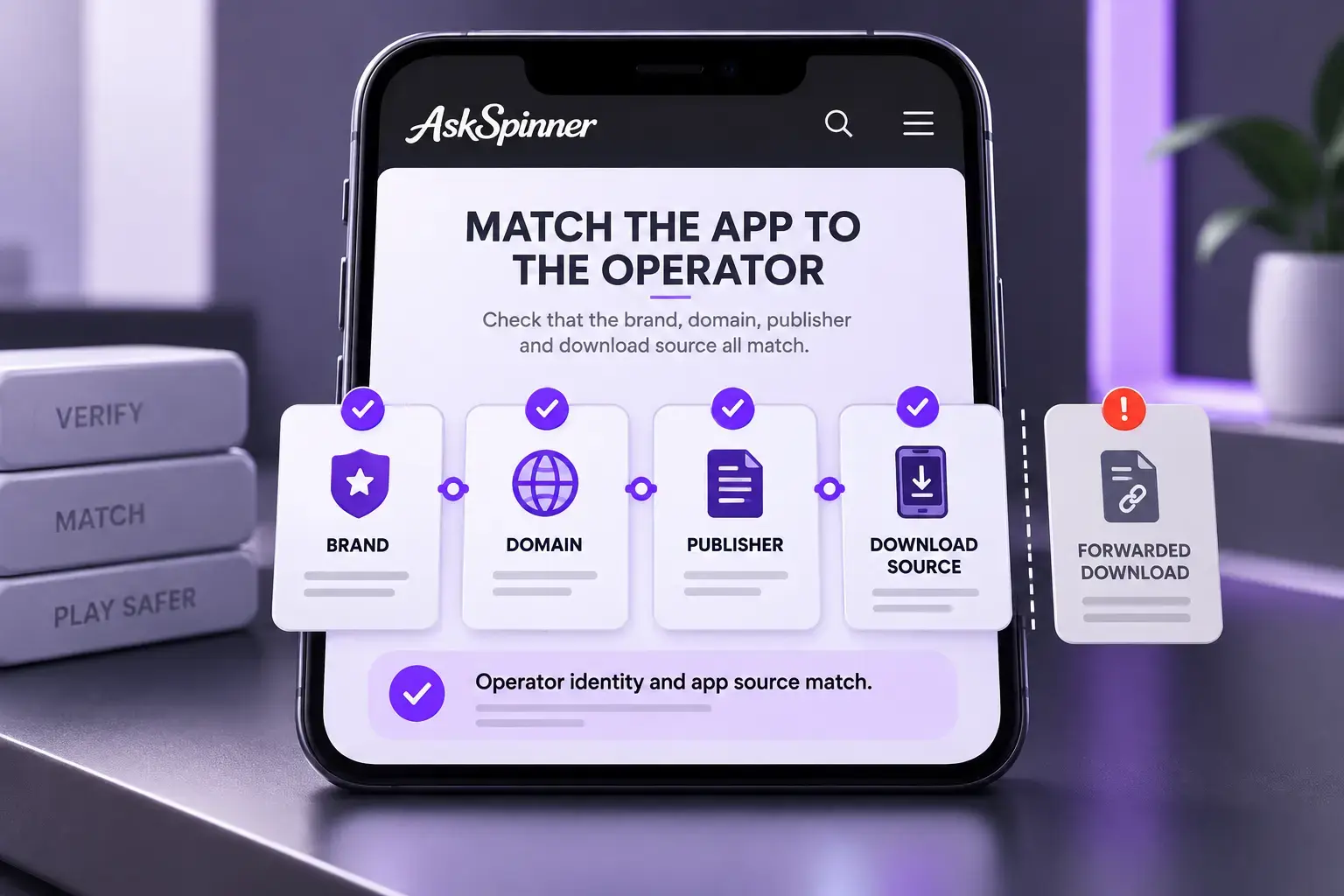
Illustration: the details connecting an app to its operator.
iPhone and iPad
The website’s App Store link identifies the specific application. Its regional store page lists supported devices and the minimum iOS or iPadOS version.
The following compatibility details were checked in the Philippine App Store on October 3, 2026.
App Store Compatibility Examples
Application | Listed minimum operating system | Listed download size |
|---|---|---|
BingoPlus: Bingo Tongits & Slot | iOS 16 or iPadOS 16 | 134.8 MB |
Casino Plus PH | iOS 15.1 or iPadOS 15.1 | 83 MB |
PT Gaming | iOS 13 or iPadOS 13 | 101.9 MB |
A phone still running iOS 15 does not meet the listed BingoPlus requirement. Casino Plus PH and PT Gaming support versions starting at 15.1 and 13 respectively. System requirements and download sizes change with updates.
If a compatible store version is unavailable, the platform’s mobile website or home screen web app may offer another route. APK files are Android installation packages; iPhones use the corresponding iOS or web option.
Android
An Android platform may offer a store app or an official website APK. The APK installs on the phone, with version requirements and update arrangements published by the platform. Its official download instructions describe the available routes.
Google Play Protect checks apps from the store and other sources, and can flag, block or remove detected risks. If it blocks an app, the platform can clarify the version and download source involved.
System Requirements Storage and Permissions
Operating System and Storage
Space requirements include installation, cache and updates, alongside minimum system and device requirements. Websites also cache resources. On an iPhone, Settings → General → iPhone Storage shows actual usage.
On an older phone, text, buttons, page transitions and help pages also affect usability. If the app no longer supports its operating system, the platform may offer another compatible route.
Mobile Data and Battery Use
Live video, animation, image quality and connection conditions affect data and battery use. On an iPhone, Settings → Cellular and Settings → Battery show usage. Android provides app data, battery and storage information, with menu names varying by device. Similar content and session lengths make comparisons more useful.
First loads and later visits can use different amounts of data, and app updates consume data separately. Update size and video quality are two direct factors when mobile data is limited.
Permissions and Notifications
Uploading verification documents may use camera or photo access. Location permissions depend on the service’s requirements, with purposes explained in its privacy information. Updates may introduce additional permission requests.
Promotional notifications can be switched off through device or app settings. Account limits, self-exclusion and account closure are handled through the platform’s processes, as covered in the FAQs below.
Accounts and Payments in Casino Apps
The operator determines how app and website accounts connect. For an existing website account, relevant features include the original sign-in method, balance and transaction records, and whether bonuses and account limits carry over.
Casino Plus’s terms allow one account and one active device session at a time. Signing in on another device ends the previous session, which affects switching between a phone and a tablet.
Moving to an app may trigger device verification or additional identity checks. The platform’s verification process explains accepted documents, name requirements and upload methods.
Deposits and withdrawals each have available methods, limits, fees and account requirements. The current cashier lists GCash, Maya and bank options where offered. If you used to enter a casino directly from a wallet app and can no longer find that entry point, why Philippine payment apps removed in-app gambling access explains the change. The casino’s cashier lists its payment options.
Status updates after returning from a payment page are part of the app experience. If the account has not updated, the payment record and reference number help track progress. Our casino deposit speed guide explains the factors affecting arrival times.
Withdrawals involve account checks, platform processing and the payment channel. Casino Plus’s terms explain that financial-institution processing also affects deposit and withdrawal posting. The fast-withdrawal casino comparison covers these conditions in more detail.
When a Casino App Will Not Open or Update
Common causes include maintenance, version compatibility, storage and network problems. Error messages, device versions and the steps leading to the problem help identify the cause. Account records and reference numbers are the main details for payment or game-result enquiries.
App Problems and Useful Information
Issue | Relevant information | Further help |
|---|---|---|
Cannot install or a compatibility message appears | Operating system, available space, store region and official distribution information | Ask the platform which route supports your device |
Crashes or keeps loading | Error message, app and system versions, maintenance notices and network conditions | Give official support the steps and version details |
Update fails | Update source, current version, space and connection | Follow the platform’s installation and update requirements |
Game result or balance is unclear after disconnection | Game history, account records, time and reference number | Submit the records to official support for a status check |
Payment was deducted but the page has not updated | Wallet or bank receipt, platform order status and amount | Ask official support to reconcile the records |
Device model, operating system, app version, time, steps and transaction reference are usually the basic details support needs to investigate.
If the platform has not resolved the issue, you can submit a timeline, correspondence and relevant records through AskSpinner’s complaints page. Unauthorised charges should also be raised with the bank or payment provider.